Future of Content Studio: AI Assistance and Smarter Workflows
Enonic brings AI into content management with Juke, while upcoming updates promise smarter workflows and a fresh design.
Written by Vegard Ottervig on
At the latest Enonic Meetup, attendees got an exclusive look at what’s coming in future versions of Content Studio. They also learned how Enonic is integrating artificial intelligence (AI) to make life easier for editors and developers alike.
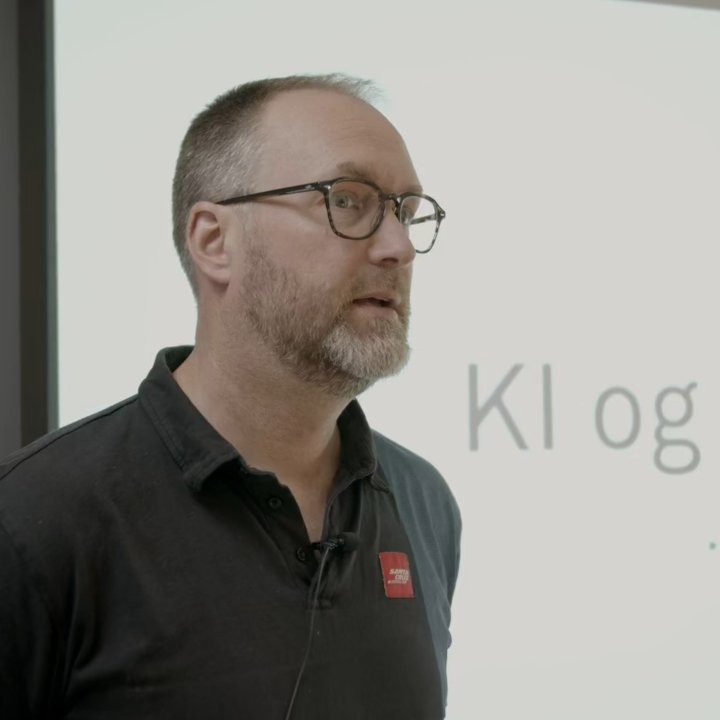
CTO Thomas Sigdestad walked the audience through what’s already available, what’s just around the corner, and what lies ahead.
Watch the presentation (in Norwegian):
Enonic’s Built-In AI Assistant Juke
Enonic’s AI initiative is personified by Juke—a mascot and AI assistant integrated directly into Content Studio. Juke is already available for paying customers and offers editorial teams direct access to AI features inside the CMS, without having to copy-paste from external tools.
One of the most useful features is automated translation. By clicking “localize” on a content item, Juke can translate between languages—fully configurable to adjust tone, terminology, or preferred writing style. It takes seconds and can be edited like normal content afterward.
Coming Soon with Juke:
- Automatic alt-text generation for images
- Support across more schemas and field types
- Deeper understanding of content types and page structure
- Generate new content via chat commands
- SEO support, including meta descriptions and keyword suggestions
- AI transparency, marking version history when Juke is involved
The AI engine powering Juke is flexible: Enonic taps into models like Google Gemini Flash and picks the most suitable for the task—whether that’s text generation, translation, or image analysis.
Content Studio 5.4
The upcoming Content Studio 5.4 version focuses on workflow improvements and developer flexibility:
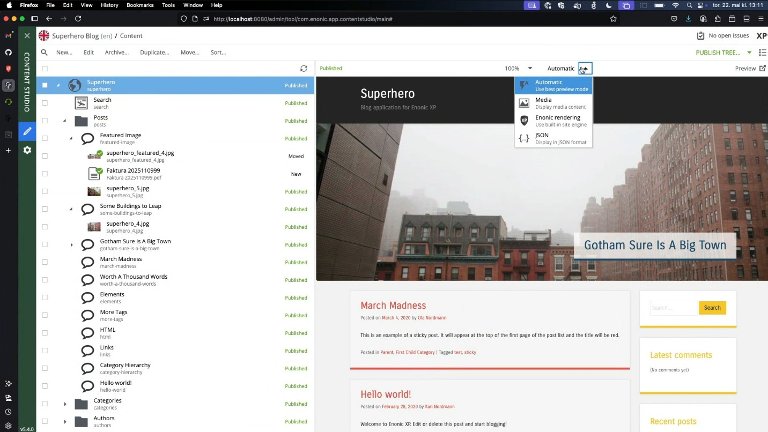
- Pluggable previews – developers can create custom preview logic
- Preview now available during editing
- Supports headless setups and external systems
- Improved stability and bug fixes (e.g. WebSocket issues)
- Smarter date pickers, X-data sorting, and component tree enhancements
These improvements reduce friction and enable smoother editing and previewing across different setups.
Content Studio 6 and XP8
Later this year, Content Studio 6 will launch alongside XP8, delivering a significant upgrade for both developers and editors.
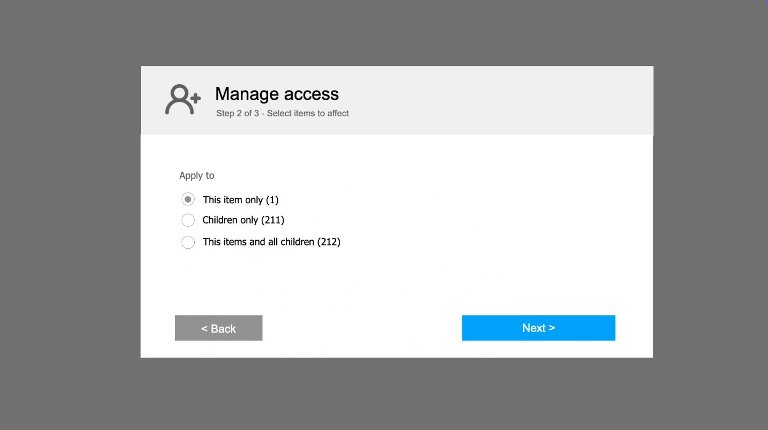
1. Simplified Permissions
A complete overhaul of the permissions system includes:
- No need to republish after changing access rights
- Visual wizard makes changes clearer and safer
- Granular control: update only children, only current item, or everything
- Clear summaries of what will be affected
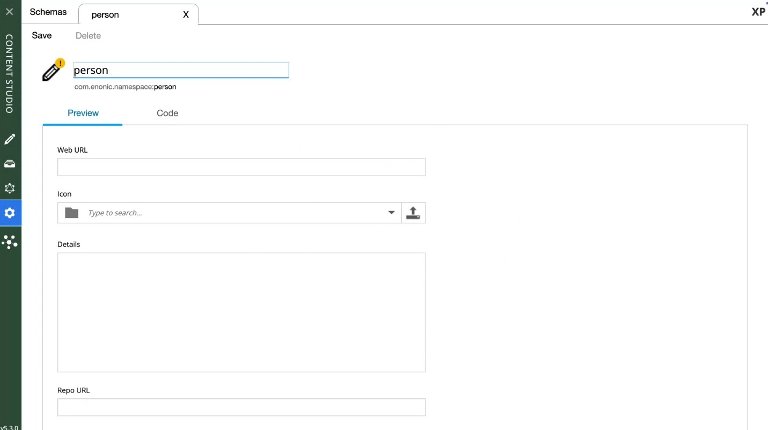
2. Schema Editor for Power Users
A new tab in Content Studio lets advanced users:
- View, edit, or create content schemas without deploying code
- Preview new content types directly
- Collaborate more easily with developers in staging environments
This lowers the barrier to structural changes and enables more dynamic editorial-developer workflows.
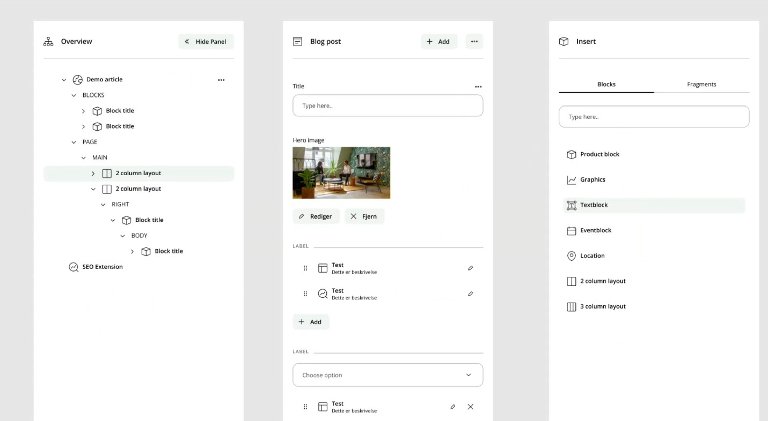
3. First Visual Redesign in a Decade
Enonic’s admin interface is getting its first major design refresh in 10 years:
- Clean, neutral design puts your content at the center
- Consistent iconography and visual hierarchy
- Lighter colors and improved contrast for readability
- Dark mode is planned for a future release
Built on Feedback, Evolving with You
Thomas ended his talk by encouraging feedback from customers and partners. Many of the features in 5.4 and 6.0 originated directly from user input. And if you spot outdated tools in Enonic Market, it’s easy to request updates.
With Juke as an AI co-pilot, flexible preview options, simpler permissions, and a refreshed interface, Enonic Content Studio is becoming more powerful and more user-friendly than ever.
Want to try Juke or see if Content Studio is right for your team? Reach out to Enonic today!